A Rec 709 monitor is a display that can accurately show video made to the HDTV standard used for most SDR delivery. The phrase on a spec sheet, however, only tells you the screen can cover that color range. It does not tell you the monitor is showing those colors correctly.
That gap matters. Plenty of monitors claim 100% Rec.709 coverage and still display the wrong gamma or white point. This guide explains what the standard defines, how it differs from sRGB, and what to check before you trust a screen for animation or video review.
What Rec.709 Actually Defines
Rec.709 is the common name for ITU-R Recommendation BT.709, which sets parameter values for HDTV production and international programme exchange. For a monitor buyer, three of its ideas matter most: the color primaries, the white point and the way signal values map to brightness.
The primaries set the outer limit of the colors available. The white point is D65, a slightly cool white of about 6500K. The third piece, how brightness is reproduced, lives in a separate document, and that surprises many people.
Why BT.1886 Matters Too
BT.709 describes how the signal is encoded, but the display side is covered by ITU-R BT.1886, the reference transfer function for flat panel displays used in HDTV studio production.
In practice, BT.1886 behaves much like a gamma of 2.4 on a display with deep blacks. On a monitor with a lighter black level, the shadows are adjusted to compensate. When a colorist says a monitor is set to “709 gamma 2.4”, this is usually the target they have in mind.
Rec.709 Versus sRGB
Rec.709 and sRGB share the same primaries and white point, so a screen that covers one covers the other. That leads people to assume they are interchangeable. The difference shows up in brightness and shadows.
| Feature | Rec.709 video workflow | sRGB |
|---|---|---|
| Main use | HDTV and most SDR video | Web, desktop and general computer use |
| Primaries | Same | Same |
| White point | D65 | D65 |
| Display gamma | About 2.4 in a dim room | About 2.2 with a piecewise curve |
| Typical viewing room | Dim, controlled light | Brighter office |
Because of that difference, a shot graded on an sRGB desktop setting can look too dark or too contrasty on a calibrated video display, or the reverse. Neither screen is broken. They are following different targets.
What to Check Before You Trust a Monitor
Coverage percentage is only the first filter. These checks tell you far more about real accuracy.
- A dedicated Rec.709 mode: a locked picture mode, not just a wide-gamut screen with no limit on saturation.
- Selectable gamma: the ability to choose 2.4 or BT.1886 rather than a fixed 2.2.
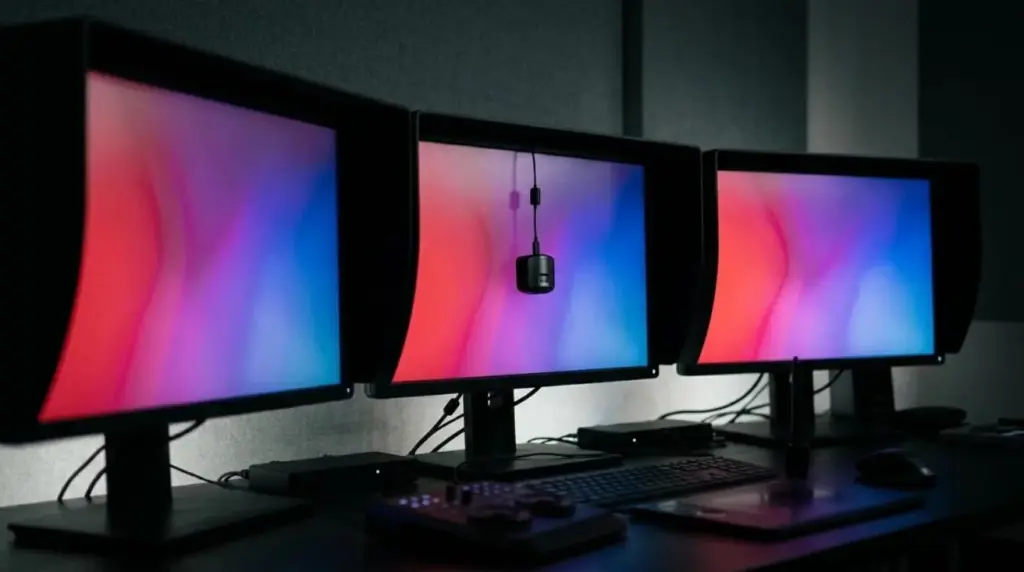
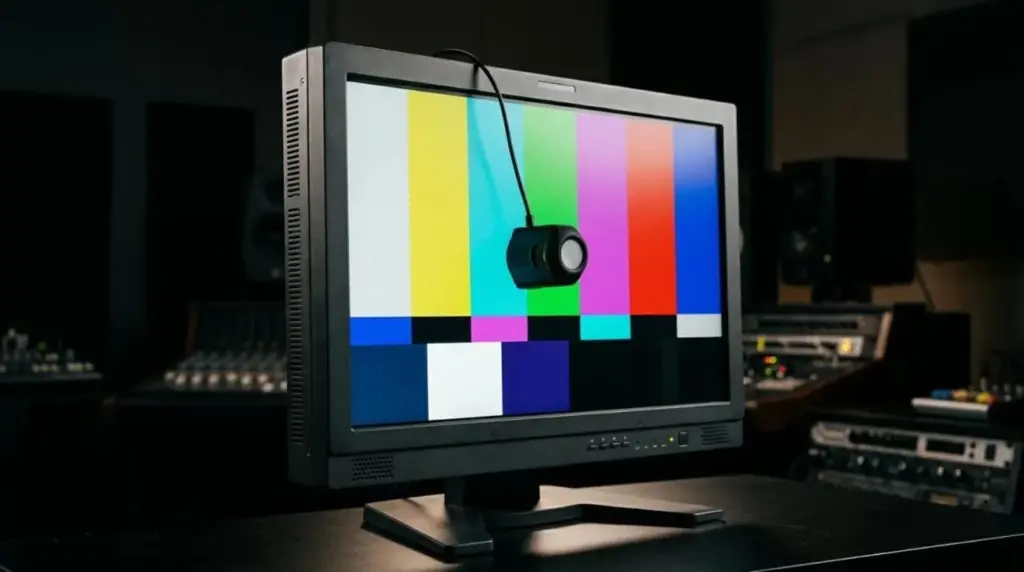
- Calibration support: hardware calibration that stores corrections in the monitor is more dependable than a software profile alone.
- Uniformity: brightness and color across the panel, especially the corners.
- Black level: this changes how BT.1886 behaves in your shadows.
- Stability: how well the screen holds calibration over time.
Our comparison of color-accurate reference monitors goes further into creator displays, professional video monitors and critical reference systems.
Your Signal Path Can Undo a Good Monitor
Connecting an accurate monitor to a computer’s graphics card does not guarantee an accurate picture. The operating system, the application and the display profile can all alter the image before it reaches the panel.
For critical review, many facilities use a dedicated video output card, which sends a clean video signal that bypasses the desktop color management. For independent work, that may be more than you need, but you should at least confirm which settings your software is applying.
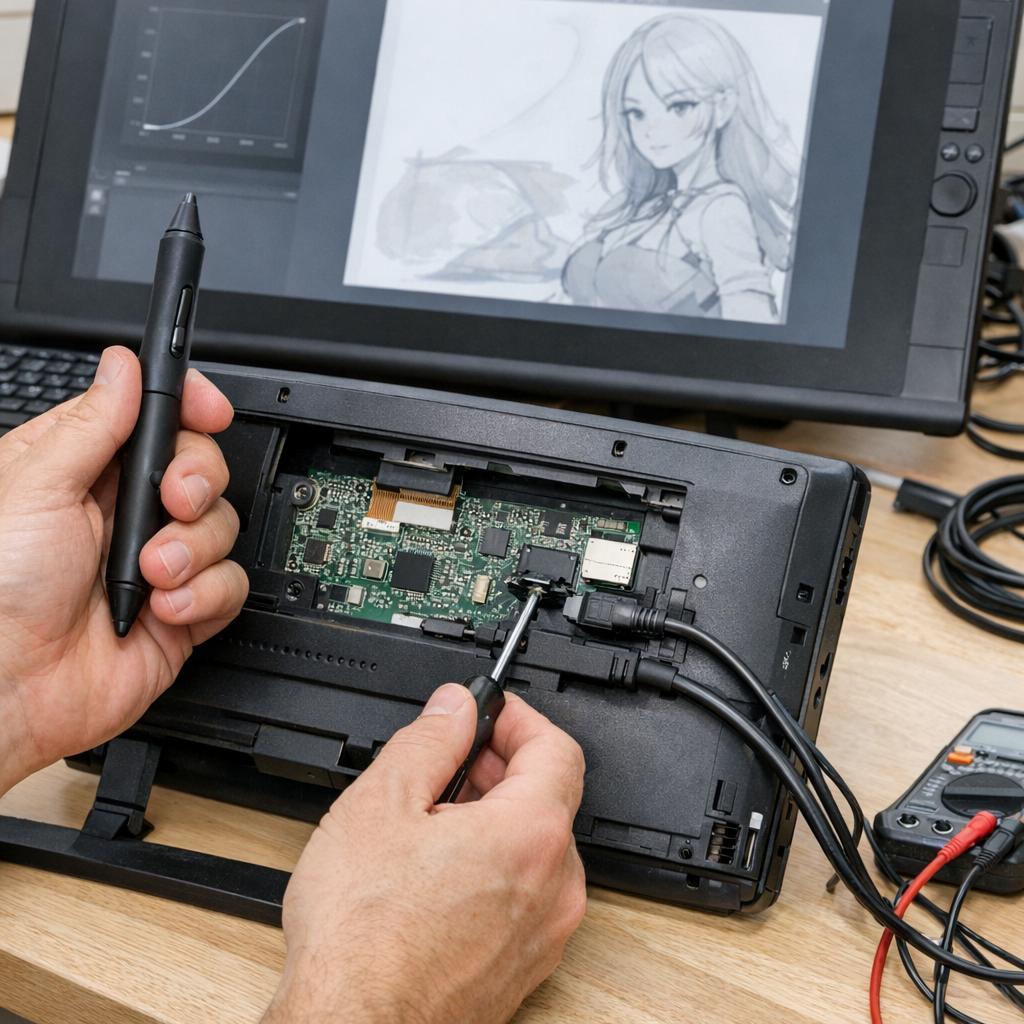
A pen display adds another layer, since it is often used for drawing rather than final review. Our pen display calibration guide explains why alignment and color are separate issues.
The Room Is Part of the Standard
A monitor set for gamma 2.4 assumes dim, controlled light. In a bright office, the same image can look crushed in the shadows, which pushes you to lift them too much.
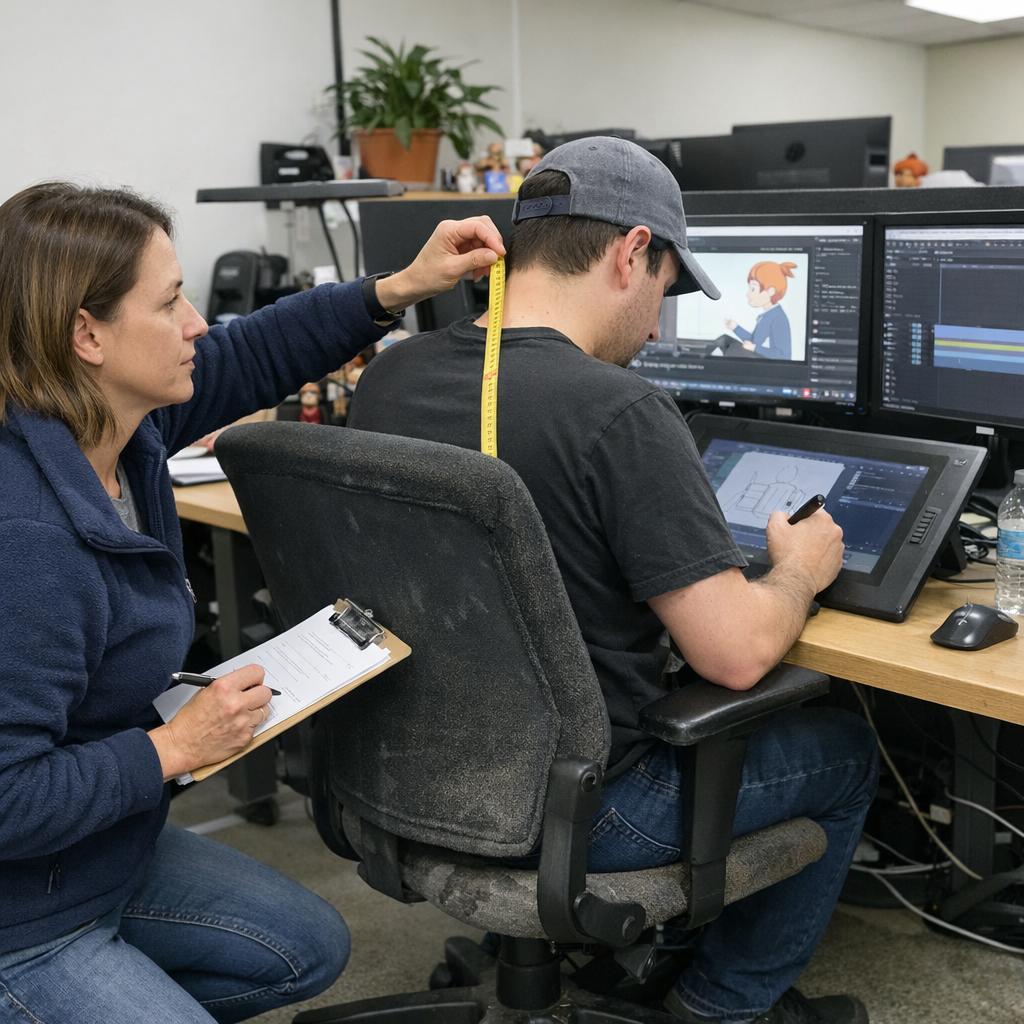
Avoid windows behind or directly facing the screen, use neutral lighting, and keep the monitor at a comfortable height. The workstation setup checks cover display placement, and they apply to color work too.
Who Actually Needs One
| Your work | What is usually enough |
|---|---|
| Web and social video | A well-calibrated display in sRGB or Rec.709 mode |
| Client review for broadcast or streaming | A calibrated monitor with a true Rec.709 mode and gamma 2.4 |
| Final grading and delivery checks | A professional video monitor on a clean video signal |
Be honest about where your work ends up. A monitor cannot control what viewers see at home, but it does give you a reliable reference for your own decisions.
Frequently Asked Questions
Is Rec.709 the same as sRGB?
They share primaries and a white point, but they use different brightness targets. Video work commonly aims for gamma 2.4 in a dim room, while sRGB suits brighter desktop viewing.
What gamma should I use for Rec.709?
Gamma 2.4 or BT.1886 is the usual choice in a dim, controlled room. If your room is bright and your audience watches on the web, gamma 2.2 may be more practical.
Does 100% Rec.709 coverage mean a monitor is accurate?
No. Coverage shows which colors the panel can reach, not whether it displays them correctly. Accuracy depends on calibration, gamma and white point.
Do I need a Rec.709 monitor for animation?
You need one if your work is delivered for SDR video and color decisions matter. For drawing and layout, a good pen display is often enough, with a calibrated screen for final checks.
Next Step
Find the picture modes on your current monitor and check whether it offers a true Rec.709 setting with selectable gamma. If it does not, use the monitor comparison guide to decide which class of display fits your delivery work.