
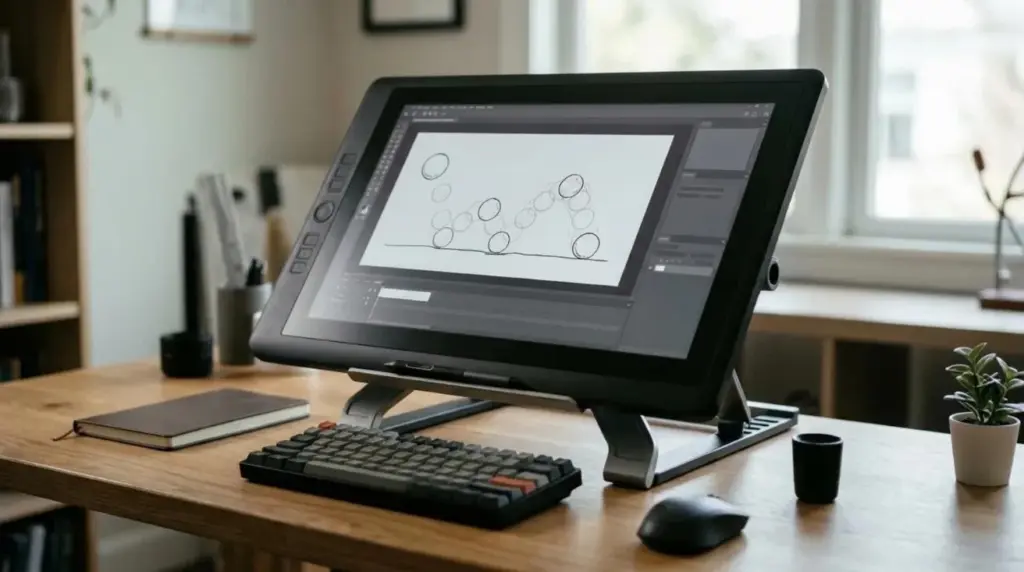
Best Drawing Tablet for Animation: How to Choose by Your Workflow
A decision guide to the best drawing tablet for animation, comparing pen tablets, pen displays and standalone tablets by workflow, size and budget.
Practical guides to the physical side of an animation studio: pen displays and calibration, reference monitors, ergonomic workstations, and remote access for high-end 3D work. Each guide focuses on diagnosing the real problem before you replace equipment.
A decision guide to the best drawing tablet for animation, comparing pen tablets, pen displays and standalone tablets by workflow, size and budget.
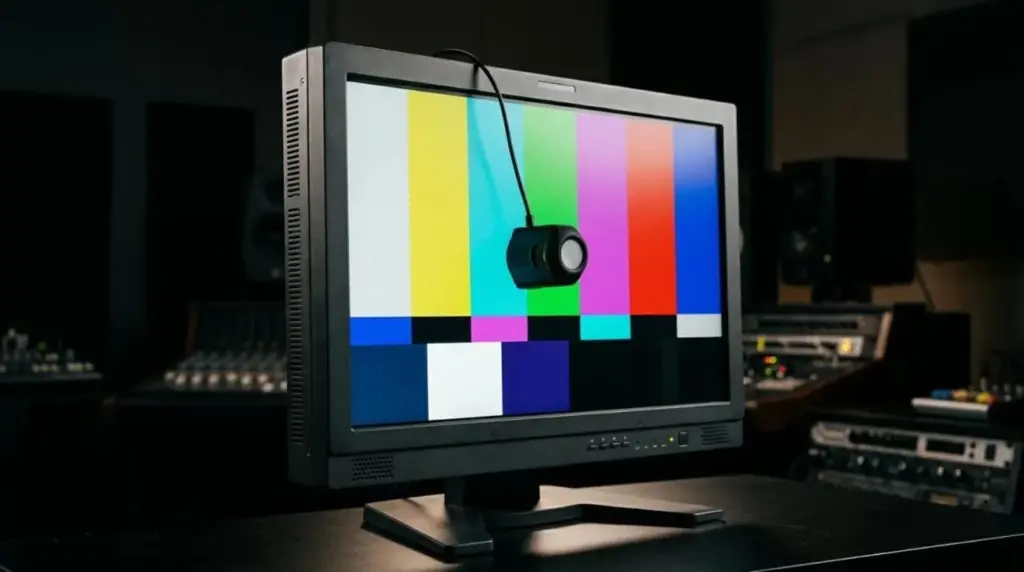
What a Rec 709 monitor is, how Rec.709 differs from sRGB, and which checks matter before you trust a display for SDR video work.
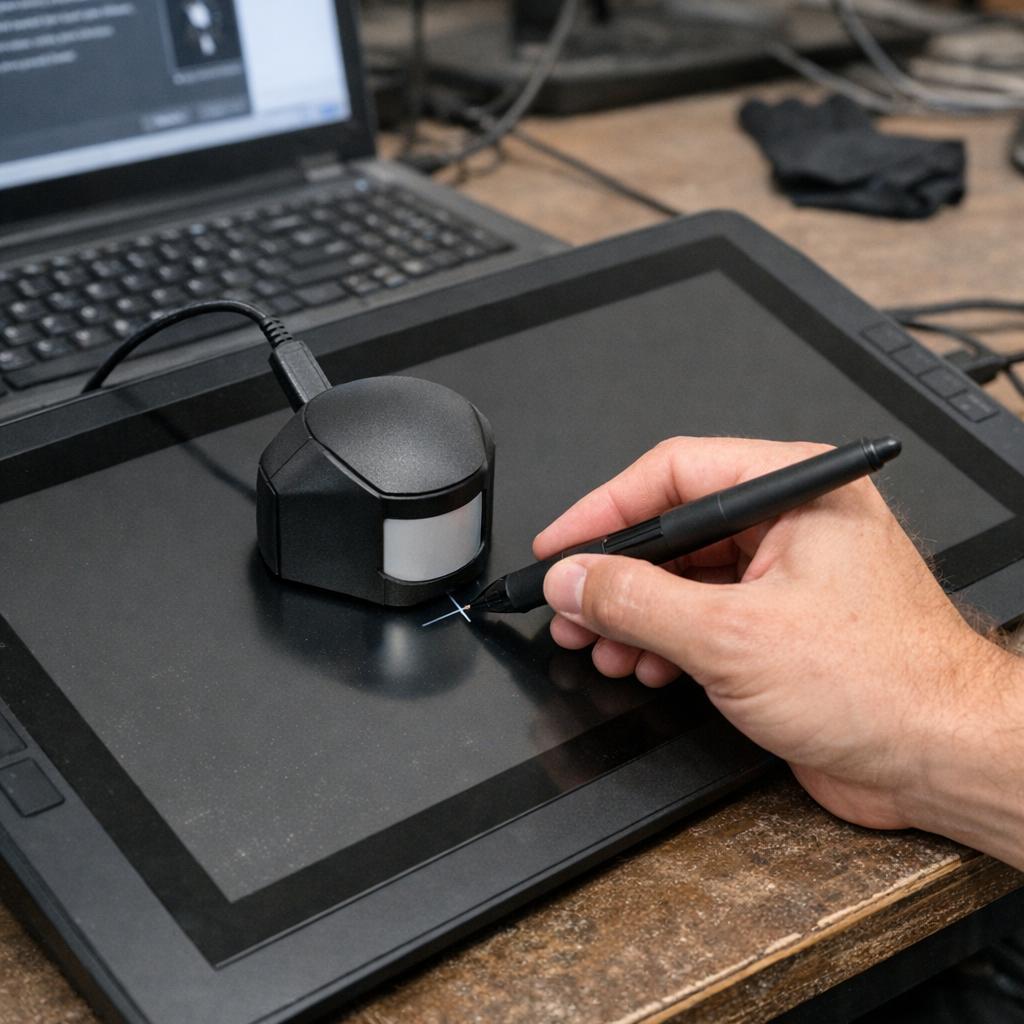
Learn to distinguish optical parallax from cursor offset, test alignment across the screen, verify display mapping and application settings, restore factory defaults, and calibrate only when a stable, repeatable input mismatch remains.
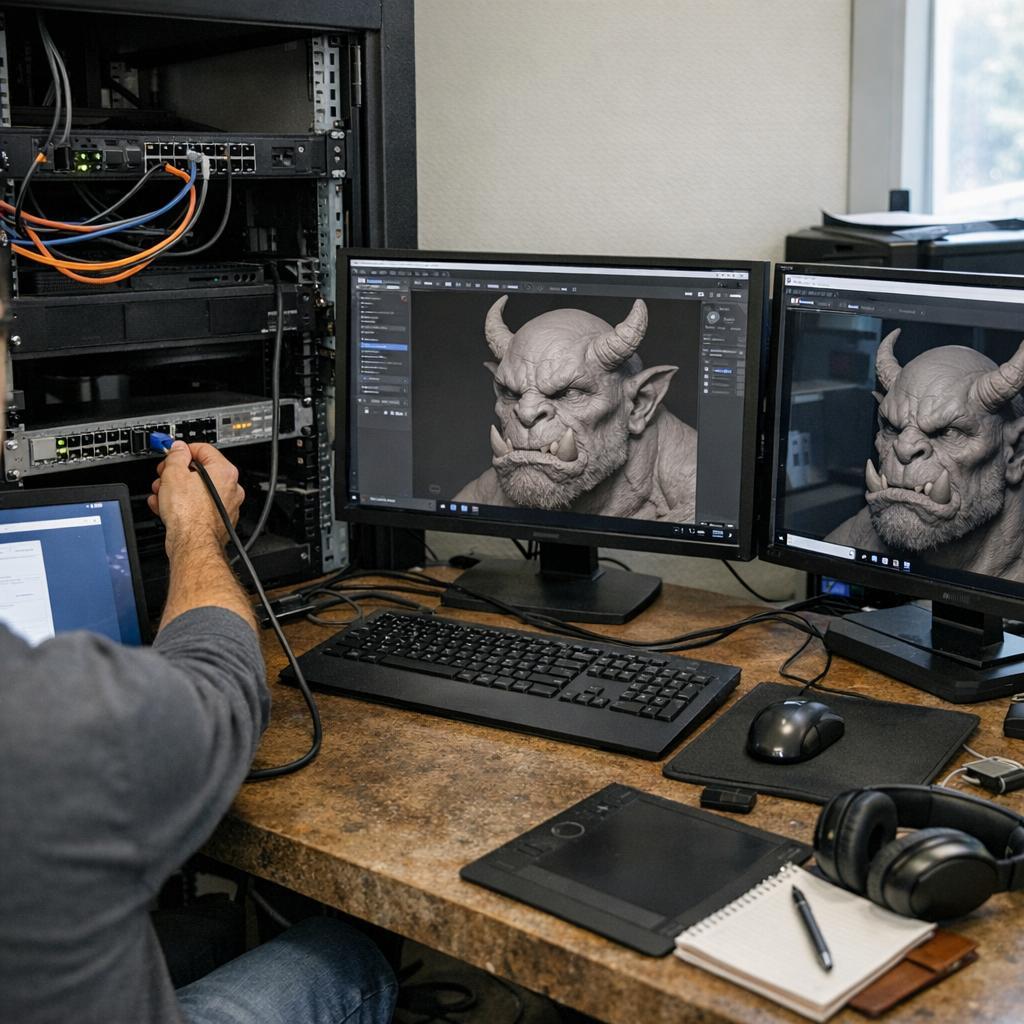
Learn how to configure remote desktop for 3D sculpting by evaluating GPU streaming, stylus support, latency, image-quality trade-offs, secure access controls, troubleshooting signals, and representative production tests before deployment.
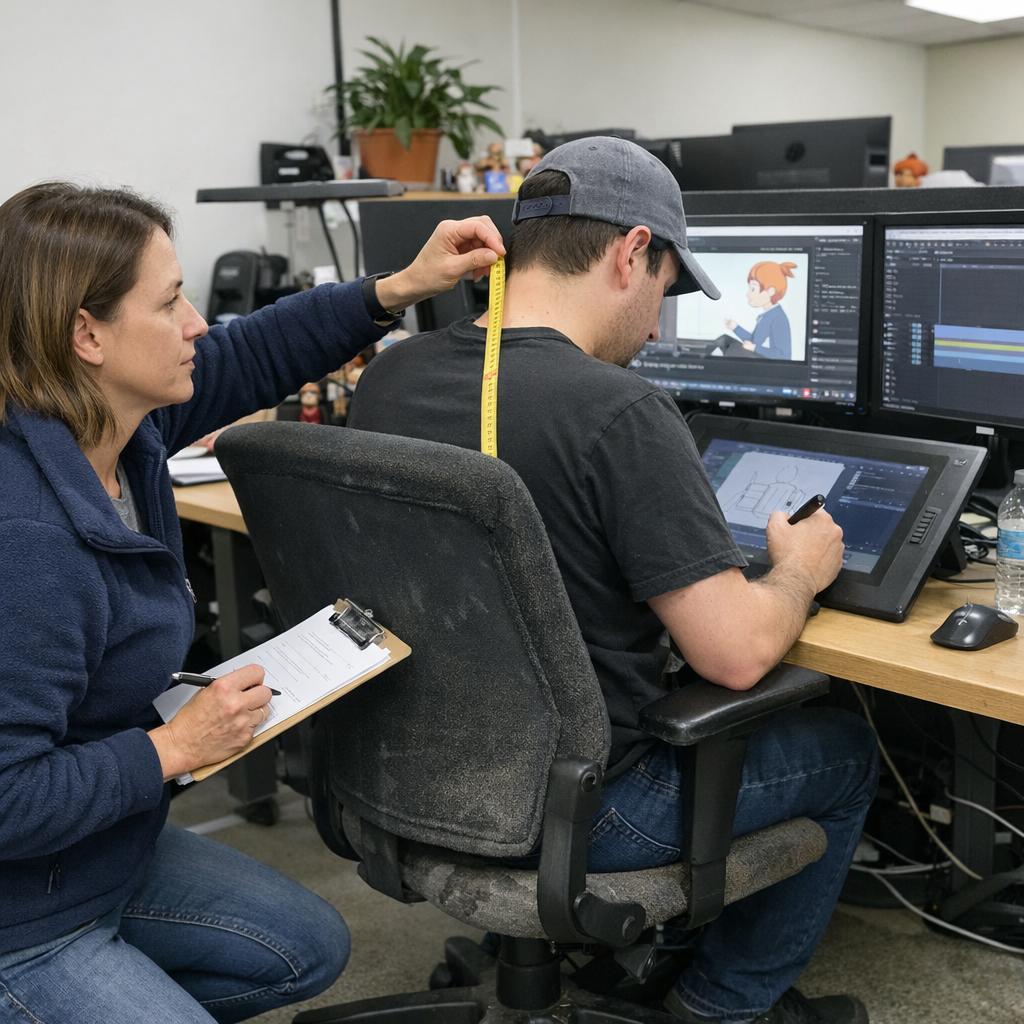
A practical workstation audit for animators covering chair support, desk clearance, display placement, pen-display positioning, and input-device reach. It emphasizes adjustable setups, posture changes, and observing real tasks before buying new equipment.
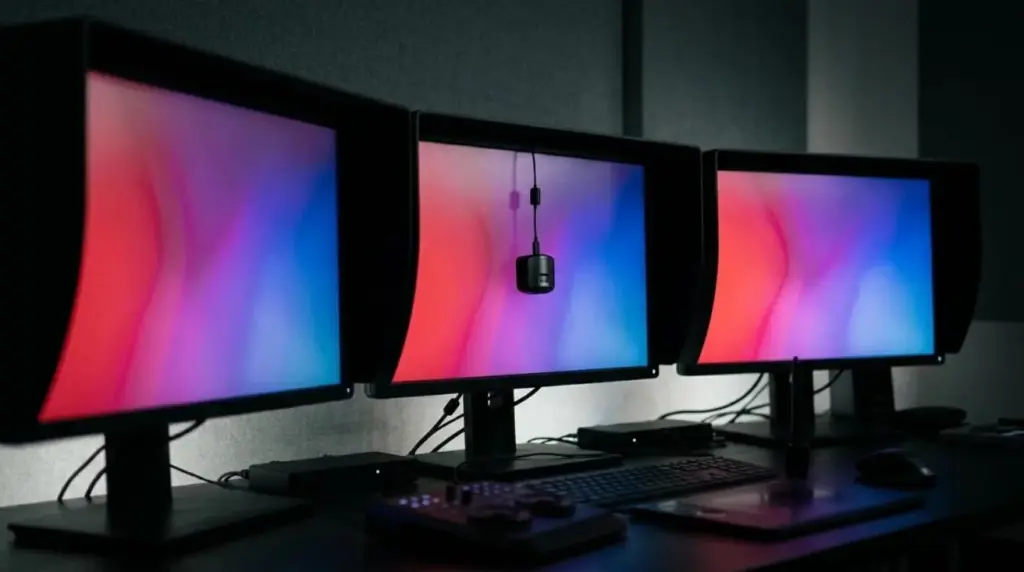
Compare broadcast animation monitors by delivery standard, signal accuracy, calibration stability, uniformity, HDR behavior, and video interfaces. The guide distinguishes creator displays, professional video monitors, and critical reference systems for SDR and HDR workflows.
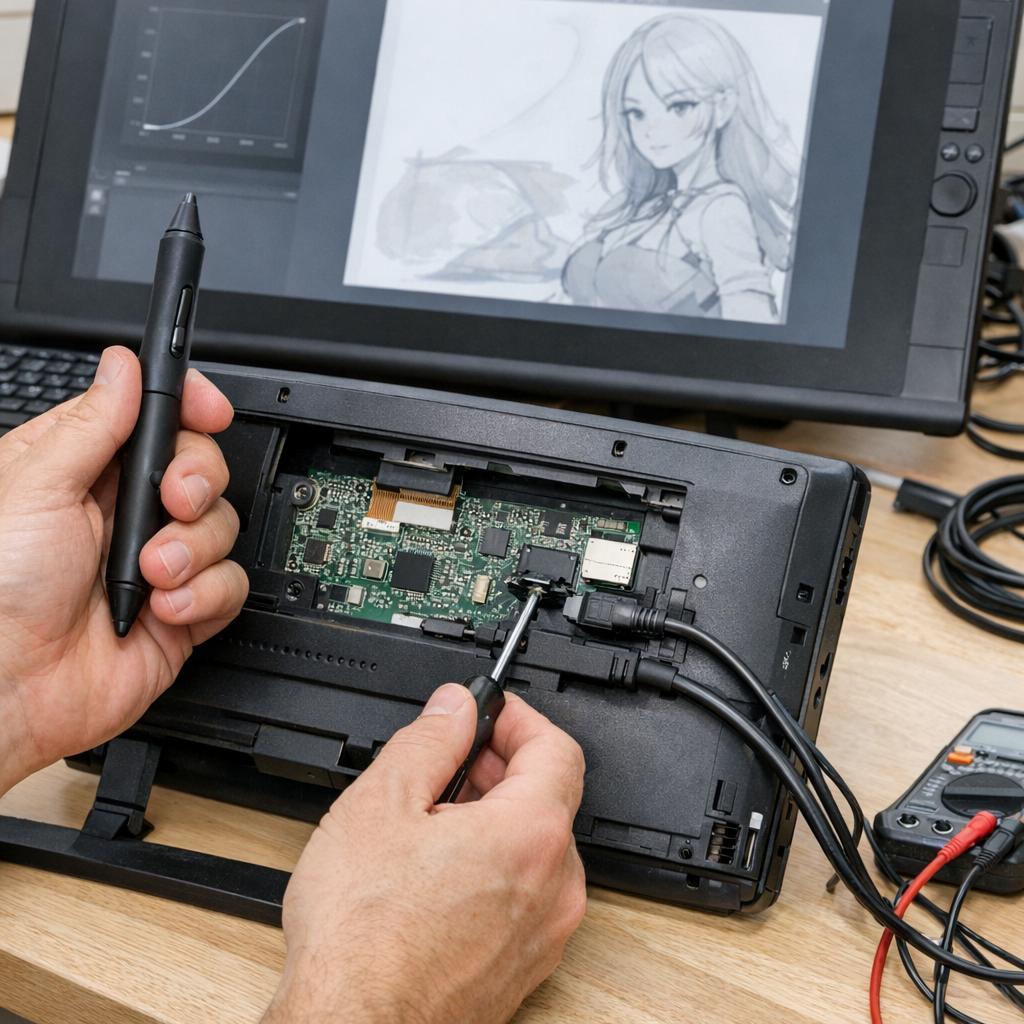
Diagnose pen-pressure drops and inconsistent stylus input by tracing the signal from pen and driver to operating system, application, and brush settings, using pressure tests, input-mode checks, nib inspection, and careful driver reinstallation.