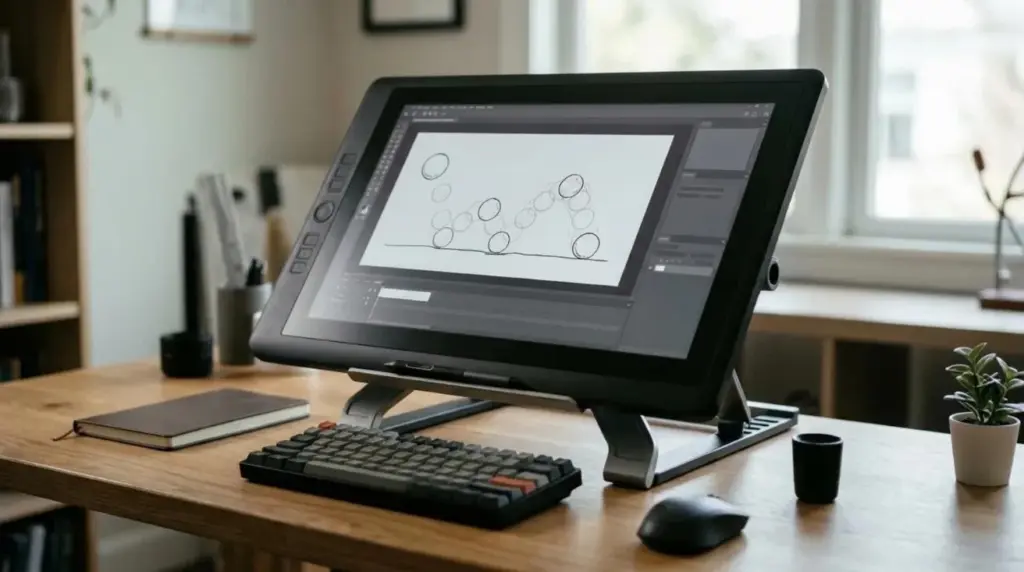
The best drawing tablet for animation, for most people who can afford one, is a pen display of around 16 inches. It lets you draw directly on the image, it fits on an ordinary desk, and it leaves enough room for a timeline. If your budget is tight, a screenless pen tablet remains a capable and much cheaper choice.
That is a general starting point, though, not a verdict on one model. Animation places different demands on a tablet than illustration does, so the right pick depends on how you work. We have not hands-on tested the products named here, so this guide compares tablet types and manufacturer ranges. Check current specifications before you buy.
Why Animation Is Harder on a Tablet Than Illustration
An illustrator may spend hours on one image. An animator draws hundreds of similar images and constantly moves between the canvas, the timeline and playback. That changes what matters.
- Repetition: thousands of short strokes make comfort and pen weight important.
- Interface space: timelines and exposure sheets need room on screen.
- Shortcuts: flipping between frames should happen without reaching for the keyboard.
- Long sessions: posture matters more than a slightly better specification.
The Three Types Compared
| Type | How it works | Best for | Main drawback |
|---|---|---|---|
| Pen tablet | No screen. You look at your monitor while drawing | Tight budgets, good posture, travel | Takes time to learn hand-eye coordination |
| Pen display | Draw directly on a screen connected to a computer | Most 2D animation and cleanup | Higher cost, more desk space |
| Standalone tablet | A self-contained computer with a screen and pen | Roughing out on the move | Software and performance limits |
A pen tablet deserves more respect than it gets. Because you look straight ahead at your monitor rather than down at your hand, it can be easier on your neck. The trade-off is a learning period, often frustrating at first.
Which Size Works for Animation
Size is the decision most buyers get wrong, in both directions. Check the active drawing area rather than the size of the device itself, since the frame around the screen does not help you.
| Pen display size | Works well for | Consider |
|---|---|---|
| 12 to 14 inches | Travel and small desks | Timelines feel cramped, so expect plenty of zooming |
| 15 to 17 inches | Most animators on a normal desk | A second monitor helps with panels |
| 19 to 24 inches | Full-time studio work | Needs an adjustable stand and desk depth |
| 27 inches and above | Dedicated studio setups | Large arm movements, plus high cost |
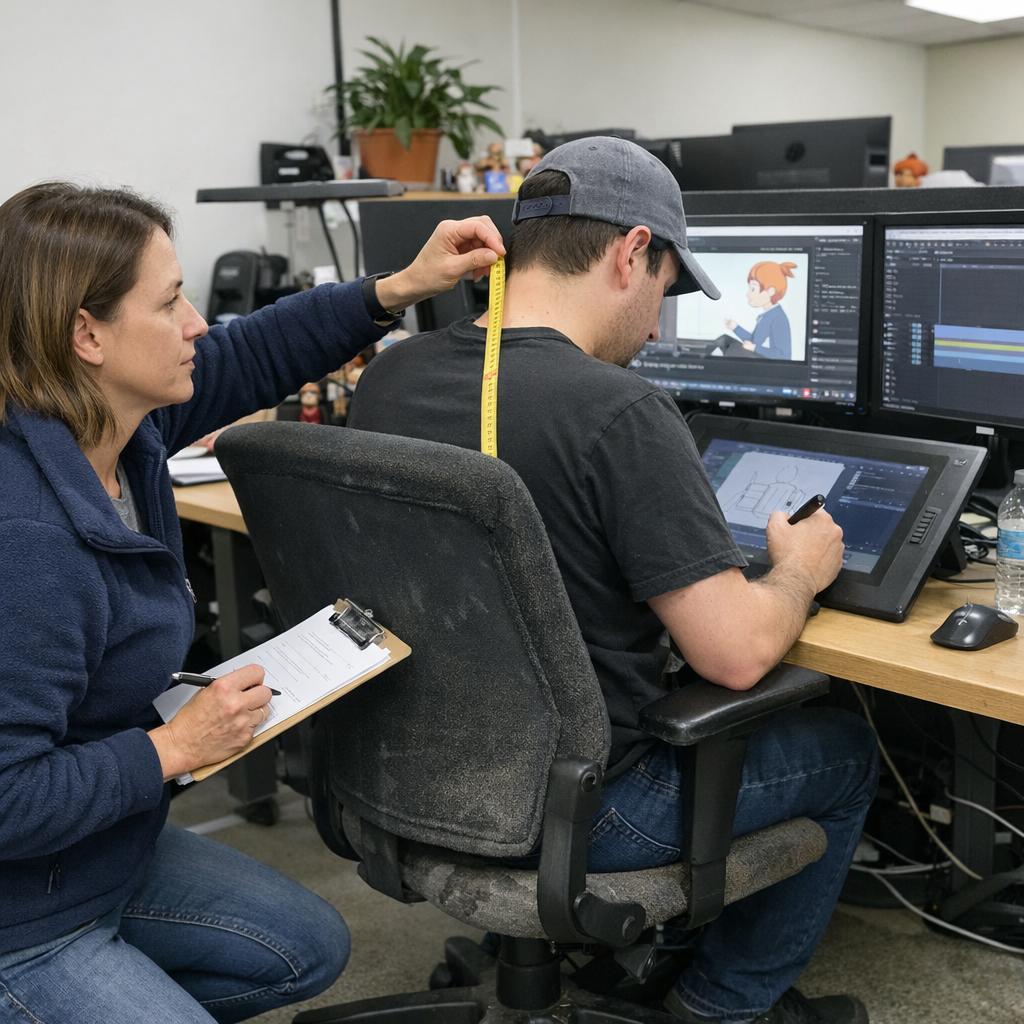
A bigger screen is not automatically better. On a large display you draw from the shoulder, and you may need to turn your head to reach the corners. Our workstation checks for animators show how to judge reach and screen height before you upgrade.
The Specifications That Actually Matter
Spec sheets make it easy to chase numbers that hardly change your day. Here is how we would rank them for animation.
- Pen feel and comfort: you will hold it all day, so try one in person if you can.
- Laminated screen: with less gap between glass and panel, parallax is reduced.
- Screen resolution: sharp enough to keep the timeline readable at your chosen size.
- Shortcut keys: built-in buttons or a separate keypad for flipping frames.
- Stand and connection: adjustable angle, plus cables that suit your computer.
- Pressure levels: most modern pens have plenty, so higher numbers rarely decide anything.
Parallax and cursor offset are easy to confuse when you first try a display. Our guide to reducing parallax and cursor offset explains the difference and when calibration really helps.
Where the Main Ranges Fit
The two manufacturers most animators look at first are Wacom and Huion. As of November 2026, both organize their pen displays into entry and professional ranges.
| Maker | Range | Positioned for |
|---|---|---|
| Wacom | Wacom One | Entry level |
| Wacom | Cintiq | Mid-range creative work |
| Wacom | Cintiq Pro | Professional work, in sizes up to 27 inches |
| Wacom | Movink | Portable pen displays |
| Huion | Kamvas | Entry to mid-range, from 12 to 24 inches |
| Huion | Kamvas Pro | Higher-end models, up to 27 inches |
Other brands, such as XP-Pen and Ugee, compete at similar prices. Whichever you consider, check that driver support covers your operating system. Wacom and Huion list their current models on the Wacom pen display page and the Huion pen display page.
Check Your Software and Computer First
A tablet is only useful if it works with your animation software and your computer. Before buying, confirm these points:
- Your animation software supports the pen’s pressure and tilt.
- Your computer has the right video output, or a compatible adapter.
- The driver supports your exact operating system version.
- Your graphics card can drive the screen’s resolution alongside any other monitors.
The animation workstation compatibility planner is a quick way to compare your computer with official software requirements.
Our Recommendation by Situation
| Your situation | Start with |
|---|---|
| Learning animation on a small budget | A medium pen tablet |
| Serious hobbyist or freelancer | A pen display of about 16 inches |
| Full-time 2D animator | A pen display of 22 to 24 inches on a good stand |
| Storyboard artist who travels | A portable pen display or standalone tablet |
| 3D animator using mostly a mouse | A small pen tablet for sculpting and painting |
Frequently Asked Questions
Do I need a screen on a drawing tablet for animation?
No. Many animators work on screenless tablets. A screen makes drawing feel more natural and shortens the learning curve, but it costs more and takes up more desk space.
What size drawing tablet is best for animation?
For a pen display, around 16 inches suits most people on a normal desk. Choose larger if animation is your full-time job and you have the desk depth to support it.
Can I animate on an iPad instead?
Yes, for many 2D styles, using iPad animation apps. Check that the app exports to your workflow, since professional pipelines often rely on desktop software.
Is a higher pressure level better for animation?
Rarely in a way you will notice. Most modern pens offer more than enough levels, so pen feel, comfort and screen quality matter more.
Next Step
Measure your desk and decide how far you can comfortably reach, then pick a type and size from the tables above. If you already own a tablet that feels unreliable, try fixing pen pressure drops and inconsistent input first, since the fix may not require a new one.